# New API to Profile Bookmarklet
**Author:** kinlane
**Canonical:** https://apievangelist.com/2024/02/06/new-api-to-profile-bookmarklet/
I regularly come across APIs that I want to profile as part of my APIs.json "Artisanal" work, but I don't always have time to actually profile the API with APIs.json and OpenAPI. So I created a bookmarklet that will take the title, description (any text I highlight on page), and URL and submit as new GitHub issue.
I had come across the Nylas API, and I wanted to quickly add it for profiling later when I am doing my work.
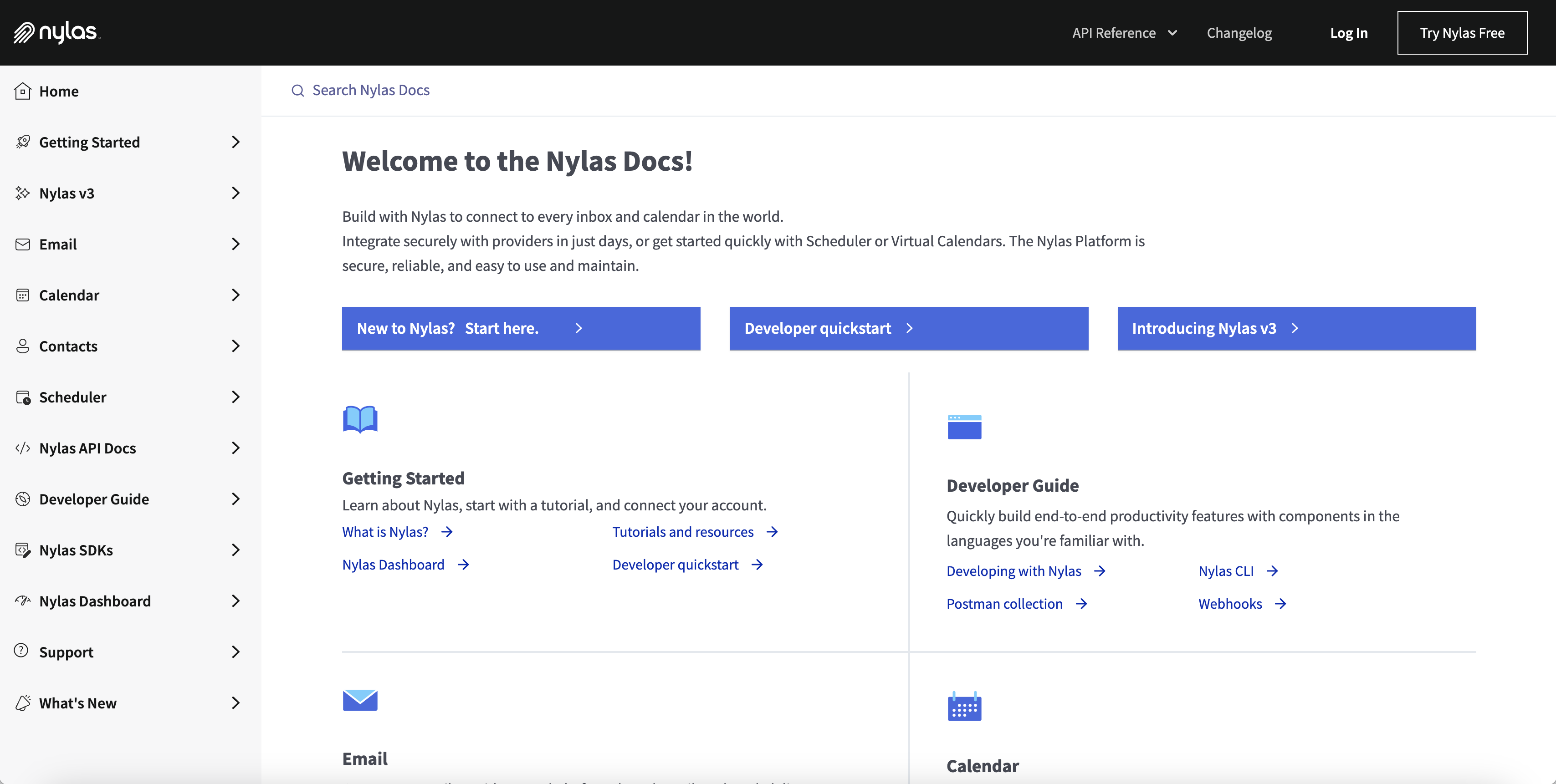
Then I produced a new bookmarklet (which you can drag to your toolbar), which submits the Nylas developer portal as an issue for profiling later.
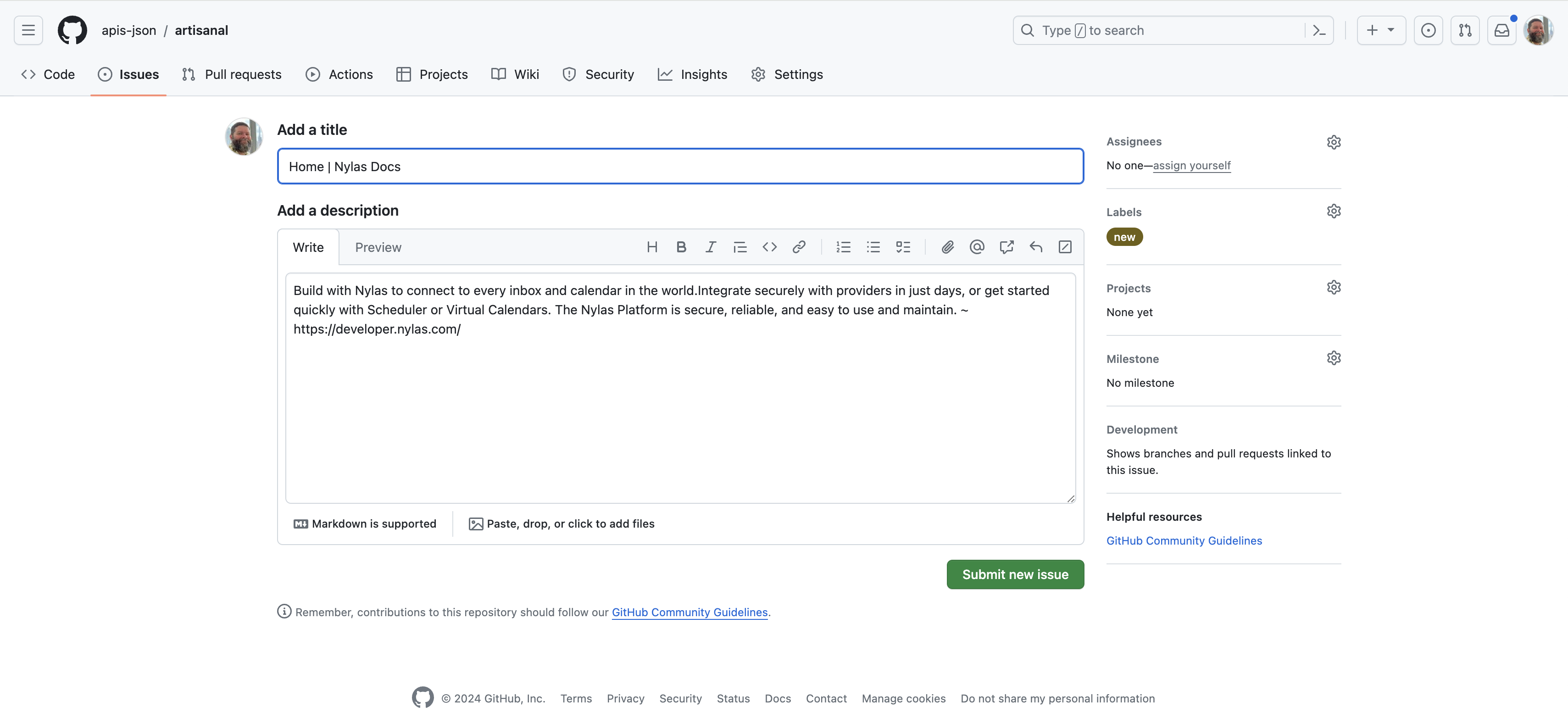
It is an easy way to use GitHub issues as a task list, or inbox for my APIs.json profiling work, producing new APIs for the APIs.io search engine. I am manually processing each of these new APIs at the moment, but automating more of the process over time.