If you publish an MCP server today, the last mile to your users is a mess. You write out install instructions for Claude Desktop, then a different set for Cursor, then a deep link for VS Code, then a CLI command for Claude Code, then a config-file snippet with a different path on macOS versus Windows for Windsurf, Zed, Cline, Continue, Warp, and Kiro — and then someone opens an issue because the client they use is not on your list. Every provider is re-solving the same distribution problem, badly, in their README, and every one of them is drifting out of date the moment they hit publish. We solved this for HTTP APIs years ago with the “Run in Postman” button. MCP has never had the equivalent.
That is the gap I wanted to close this week, so I built install.apicommons.org — the universal install button for MCP servers. A provider configures their server once and gets a single button that installs it in every major and niche MCP client: one-click deep links where clients support them, ready-to-run CLI commands where they do not, per-OS config snippets for the file-based clients, and web connector walkthroughs for the hosted ones. One button, every client.
The button carries a pointer, not a payload
The interesting design decision is what the button actually contains. The naive version stuffs your whole server config into the link, which means the instant you rotate a header or change a transport, every button you ever handed out is wrong. So the button carries a pointer whenever it can — your MCP Registry name (?name=io.apis/apis-io) or the URL of a server.json you host yourself (?server=…). The hosted chooser resolves that pointer at click time, detects the visitor’s operating system, and renders the exact install path for whatever client they use. Your installs stay current because the source of truth stays canonical. There is an inline ?config= mode too, base64url-encoded, for when you have not published a manifest anywhere yet — but the pointer is the point.
And nothing on that page executes. Every output is either a link the user’s own client confirms before it does anything, or text the user copies deliberately. Secrets never ride in a button — the generator uses <PLACEHOLDER> values for env vars and headers, and the clients prompt or OAuth for the real thing. Remote-only servers still reach stdio-only clients, by the way; the chooser auto-generates a labeled mcp-remote bridge command so nobody gets left out.
The real artifact is the registry
The button is the demo. The thing I actually care about is the file underneath it: clients.json — an open, machine-readable registry of how every MCP client installs a server. Deep-link builders and their URL formats, CLI command templates with token slots for env and header flags, config-file root keys and snippet shapes and per-OS paths, connector steps for the web clients. Twenty-six clients in it right now, each format verified against vendor docs, all validated by a published JSON Schema.
That registry is the commons artifact, and it is deliberately not mine to own. Anyone can build on it — badge generators, documentation sites, API directories, a universal installer CLI. Adding a new client is, almost always, a pure data pull request: no code changes unless a client has invented a genuinely new install mechanism. The MCP ecosystem is fragmenting its distribution story client by client; a shared, open description of that fragmentation is how you keep it from calcifying into everyone’s private, half-maintained lookup table. This is the same instinct behind APIs.json and the rest of what we do at API Commons — describe the messy reality in the open so tooling can be built once and reused by everyone.
Three ways to ship it
The home page is a generator: fill in the form, or import straight from the MCP Registry or a server.json, then copy your button as a plain link, Markdown, HTML, a live web component, or a row of per-client deep-link badges. Drop it in your README and you are done. If you want the button to be dynamic — to show the client picker and OS detection in your own page — there is an embeddable web component that is one script tag and a custom element:
<script src="https://install.apicommons.org/button.js" async></script>
<mcp-install-button name="io.apis/apis-io"></mcp-install-button>
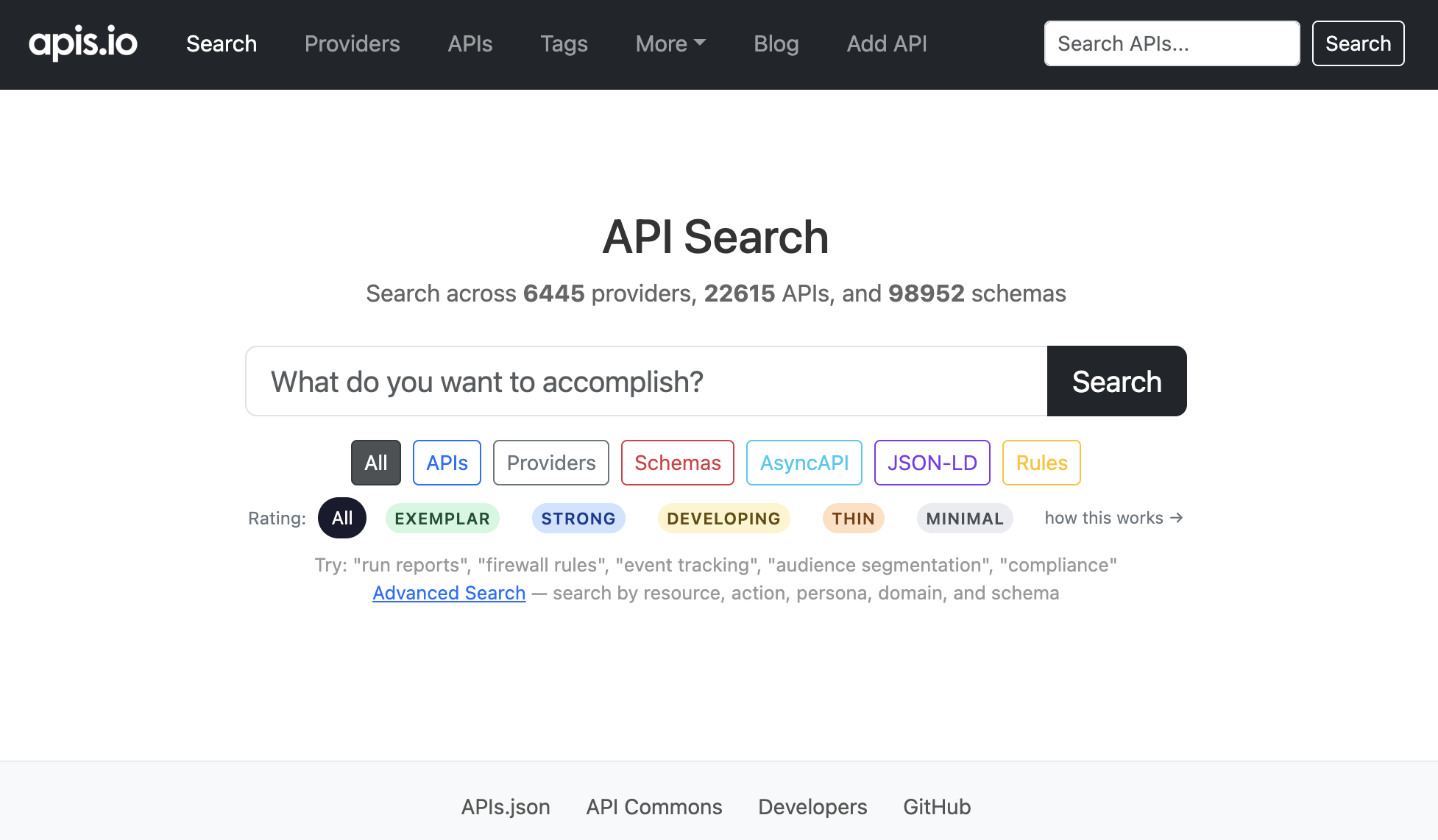
That is a real, working example — io.apis/apis-io is the apis.io MCP server as published to the official registry, so that button installs a live server you can actually try. In fact, that exact snippet is running right here in this post — click it:
It is self-contained, no framework, and you can scope the menu to specific clients, relabel it, or even point it at your own fork of the registry.
Try it on your server
It runs entirely in the browser and it is free. If you maintain an MCP server, go generate your button and delete the install matrix from your README. If you build MCP clients or tooling, the registry is right there to build on — and if your client’s install method is missing or has drifted, that is a one-file PR I would genuinely welcome. The distribution problem for MCP should get solved once, in the open, and never again by every provider alone in their README.