
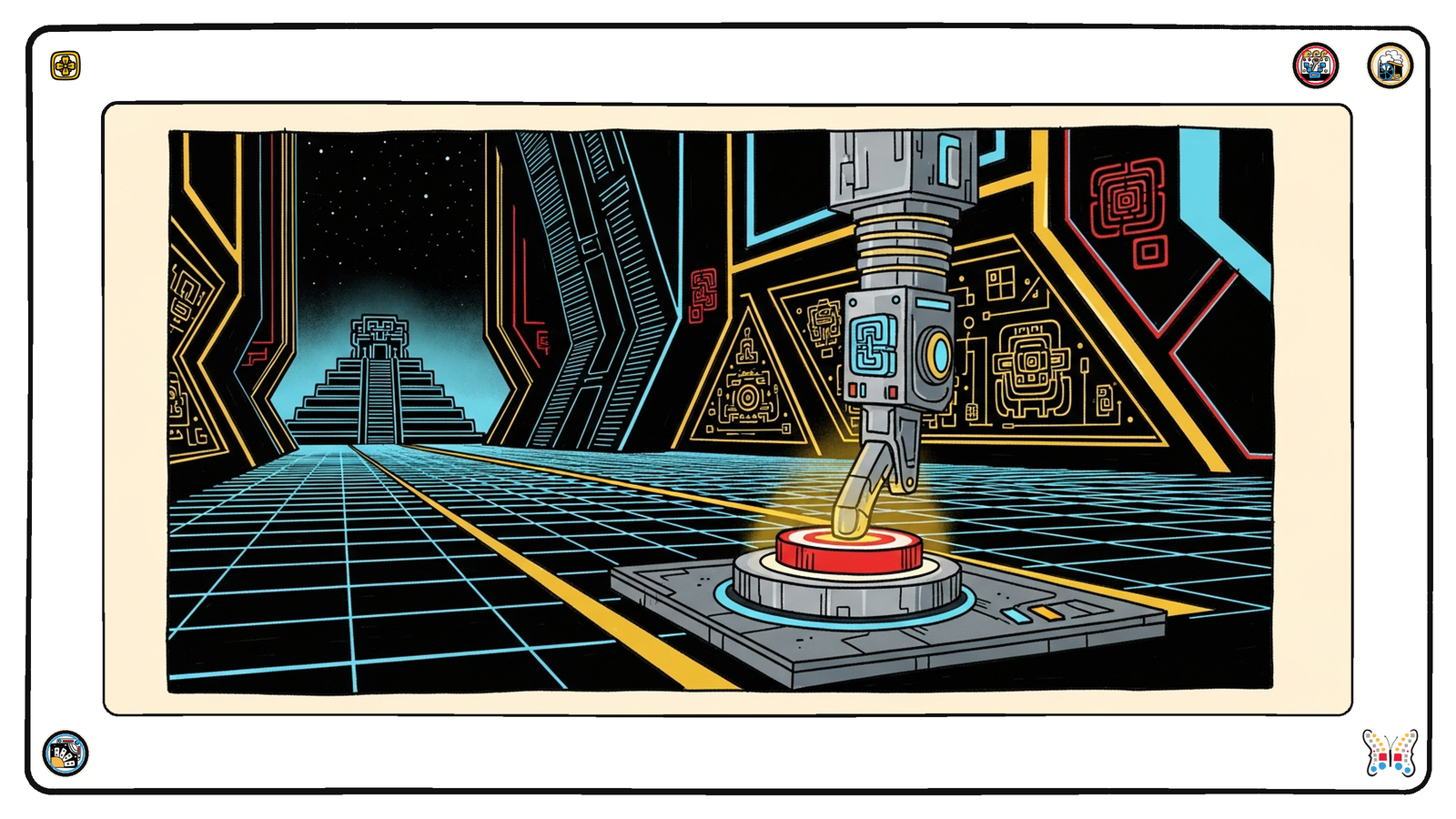
I keep coming back to the same wall. We are all supposedly “all in on AI,” wiring up agents that are meant to go off and do real work on our behalf, and yet the very first step of almost every integration still requires a human to log into a dashboard, squint at a settings page, and click a button. I have been banging my head against this for long enough that I now treat it as a test. When a company tells me they are built for the agentic moment, I go looking for the door an agent could actually walk through to get credentials. Most of the time there isn’t one.
This series started because SoundCloud, of all companies, showed what programmatic API onboarding should look like: a single script opens a browser, runs OAuth, registers an application, and prints your client_id and client_secret to the terminal. No dashboard. So I have been working my way through the providers that brand themselves as the infrastructure of the modern internet, holding each one up against that bar. This week it is Stripe. And I’ll be honest, the result surprised me a little.
Stripe is, by a wide margin, one of the best API companies in the world. The reference docs are immaculate, the error messages are useful, the SDKs are a pleasure. So I went in fully expecting to find a clean, self-serve path to mint a key. There isn’t one. Here is the hill I will happily die on this week: the API platform of the internet still makes you click a button in a web dashboard to get the secret key you need to call the API. There is no public endpoint to create your own sk_ or rk_ key. They are minted in the Stripe Dashboard. There is an app-managed keys preview, but it is scoped to Stripe Apps, requires a manifest permission and a review by Stripe, and at general availability it won’t even issue unrestricted keys. For the rest of us, the chicken-and-egg holds: to call the API you need a key, and to get the key you need to leave the API.
So this installment falls squarely into what I have been calling the bucket-b honesty case. You paste a personal credential into an environment variable and the script automates everything downstream of it. There is no browser OAuth dance here, because Stripe doesn’t give you one for this. The most an agent can do programmatically is prove who it already is. You hand the script a STRIPE_SECRET_KEY you got by clicking, and it calls GET /v1/account to verify the key and tell you which Stripe account you are operating as, whether charges and payouts are enabled, and whether you are in live or test mode. That identity step matters more than it sounds. It is the one bit of “who am I” that Stripe will answer for a pasted key without a human in the loop.
There is exactly one programmatic onboarding path Stripe does offer, and to its credit it is a good one. It just isn’t about keys. Stripe Connect lets you create a connected account that can transact, by POSTing to /v1/accounts. So the script has a --create-account flag that does exactly that, spins up an Express connected account in the country you specify, and prints back the new acct_… id along with the unglamorous truth: that account can’t actually transact until someone completes onboarding, and you still mint its restricted key in the dashboard. It is the one door an agent can walk through, and it leads into a hallway with two more locked doors. I’ll take what I can get, but I want to name the gap plainly.
Here is the full script. It is one file, Node 18 and up, zero npm install, stdlib only, same spirit as the SoundCloud original even though the shape is necessarily different. It reads STRIPE_SECRET_KEY from the environment, verifies your identity, and optionally walks the Connect path. It is committed in the repo at /assets/scripts/agentic-onboarding/stripe-api-auth.mjs.
#!/usr/bin/env node
/**
 * stripe-api-auth.mjs
 *
 * Provider:   Stripe (https://stripe.com)
 * What it does:
 *   The SoundCloud companion to this series opens a browser, runs PKCE OAuth, and
 *   POSTs an app-registration endpoint to mint client_id/client_secret. Stripe has
 *   no equivalent: there is NO public endpoint to mint your own secret/restricted
 *   API key. Keys are created in the Dashboard (or rotated via key rollover). So
 *   this CLI does the honest, automatable version:
 *     1. Verifies the secret key you already pasted via env (GET /v1/account) and
 *        prints WHO you are (the one programmatic "identity" step Stripe gives you).
 *     2. Optionally walks the ONE real programmatic onboarding path Stripe does
 *        offer: POST /v1/accounts creates a Stripe Connect connected account that
 *        can transact (after the account completes onboarding). You then mint that
 *        account's restricted key in the Dashboard.
 *
 * Auth model:
 *   HTTP Basic auth (secret key as username, empty password) OR
 *   Authorization: Bearer <sk_...>. This CLI uses Bearer.
 *   Key formats: sk_test_… / sk_live_… (unrestricted) or rk_live_… (restricted).
 *
 * Env vars:
 *   STRIPE_SECRET_KEY   Required. Your sk_… (or rk_…) secret key. Created in the
 *                       Stripe Dashboard — there is no API to create it.
 *
 * Doc links:
 *   Auth ............... https://docs.stripe.com/api/authentication
 *   API keys ........... https://docs.stripe.com/keys
 *   Retrieve account ... https://docs.stripe.com/api/accounts/retrieve  (GET /v1/account)
 *   Create account ..... https://docs.stripe.com/api/accounts/create    (POST /v1/accounts)
 *   Connect ............ https://docs.stripe.com/connect
 *
 * Node.js 18+ stdlib only (no npm dependencies).
 */
import { parseArgs } from "node:util";
import process from "node:process";

const STRIPE_API_BASE = "https://api.stripe.com/v1";
const ACCOUNT_URL = `${STRIPE_API_BASE}/account`;
const ACCOUNTS_URL = `${STRIPE_API_BASE}/accounts`;

/** Friendly messages for the Stripe error `type` / `code` values we expect to hit. */
const STRIPE_ERROR_MESSAGES = {
  api_key_expired: "Your STRIPE_SECRET_KEY is expired. Roll a new one in the Dashboard.",
  invalid_api_key:
    "STRIPE_SECRET_KEY is not a valid key. Copy it from https://dashboard.stripe.com/apikeys (or test mode).",
  account_invalid:
    "This key cannot perform that action. A restricted key (rk_…) may lack the needed permission.",
};

function stripeErrorMessage(parsed, fallback) {
  const err = parsed?.error;
  if (!err) return fallback;
  if (err.code && STRIPE_ERROR_MESSAGES[err.code]) return STRIPE_ERROR_MESSAGES[err.code];
  if (err.type && STRIPE_ERROR_MESSAGES[err.type]) return STRIPE_ERROR_MESSAGES[err.type];
  return err.message || fallback;
}

function safeJson(text) {
  try {
    return JSON.parse(text);
  } catch {
    return null;
  }
}

/**
 * Stripe authenticates with the secret key. We use a Bearer header; Basic auth
 * (key as username, empty password) is equivalent. Bodies are form-encoded, and
 * Stripe's "object[key]=value" bracket convention encodes nested params.
 */
async function stripeRequest({ secretKey, url, method = "GET", form }) {
  const headers = { authorization: `Bearer ${secretKey}` };
  let body;
  if (form !== undefined) {
    headers["content-type"] = "application/x-www-form-urlencoded";
    body = form.toString();
  }
  const res = await fetch(url, { method, headers, ...(body !== undefined ? { body } : {}) });
  const text = await res.text();
  return { res, text, json: safeJson(text) };
}

async function retrieveAccount({ secretKey }) {
  const { res, text, json } = await stripeRequest({ secretKey, url: ACCOUNT_URL });
  if (!res.ok) {
    throw new Error(
      `Identity check (GET ${ACCOUNT_URL}) failed: ${res.status} ${stripeErrorMessage(json, text)}`
    );
  }
  return json;
}

/**
 * The one programmatic onboarding path Stripe exposes: create a Connect
 * connected account. This account can transact once it finishes onboarding.
 * You mint ITS restricted API key later, in the Dashboard.
 */
async function createConnectedAccount({ secretKey, type, country, email }) {
  const form = new URLSearchParams({ type, country });
  if (email) form.set("email", email);
  const { res, text, json } = await stripeRequest({
    secretKey,
    url: ACCOUNTS_URL,
    method: "POST",
    form,
  });
  if (!res.ok) {
    throw new Error(
      `Create account (POST ${ACCOUNTS_URL}) failed: ${res.status} ${stripeErrorMessage(json, text)}`
    );
  }
  return json;
}

function formatAccountIdentity(account) {
  const fields = {
    account_id: account.id,
    email: account.email ?? null,
    country: account.country ?? null,
    business_name: account.business_profile?.name ?? account.settings?.dashboard?.display_name ?? null,
    charges_enabled: account.charges_enabled ?? null,
    payouts_enabled: account.payouts_enabled ?? null,
    livemode: account.livemode ?? null,
  };
  const lines = [`account_id=${fields.account_id}`];
  if (fields.email) lines.push(`email=${fields.email}`);
  lines.push("", JSON.stringify(fields, null, 2), "");
  return lines.join("\n");
}

function formatConnectedAccount(account) {
  const fields = {
    account_id: account.id,
    type: account.type ?? null,
    country: account.country ?? null,
    email: account.email ?? null,
    charges_enabled: account.charges_enabled ?? false,
    payouts_enabled: account.payouts_enabled ?? false,
    details_submitted: account.details_submitted ?? false,
  };
  const lines = [`account_id=${fields.account_id}`];
  lines.push("", JSON.stringify(fields, null, 2), "");
  lines.push(
    "Next steps (these are NOT available via the API):",
    `  1. Onboard this account so it can transact:`,
    `       https://dashboard.stripe.com/connect/accounts/${fields.account_id}`,
    `  2. Mint a restricted API key for it in the Dashboard:`,
    `       https://dashboard.stripe.com/apikeys`,
    ""
  );
  return lines.join("\n");
}

const {
  values: {
    "create-account": createAccountArg,
    type: typeArg,
    country: countryArg,
    email: emailArg,
    help: helpArg,
  },
  positionals,
} = parseArgs({
  options: {
    "create-account": { type: "boolean" },
    type: { type: "string" },
    country: { type: "string" },
    email: { type: "string" },
    help: { type: "boolean", short: "h" },
  },
  strict: true,
  allowPositionals: true,
});

if (positionals.length > 0) {
  console.error(`Unexpected extra argument(s): ${positionals.map((p) => JSON.stringify(p)).join(" ")}`);
  process.exit(1);
}

if (helpArg) {
  console.log(`Usage: stripe-api-auth [options]

  Verifies your Stripe secret key against GET /v1/account and prints who you are.
  Stripe has NO public endpoint to mint your own secret/restricted API key — those
  are created in the Dashboard. The one programmatic onboarding path Stripe offers
  is Stripe Connect: --create-account creates a connected account (POST /v1/accounts)
  that can transact after onboarding.

Options:
  --create-account   Create a Stripe Connect connected account (POST /v1/accounts).
  --type             Connect account type: express | standard | custom (default: express).
  --country          ISO 3166-1 alpha-2 country for the new account (default: US).
  --email            Optional email for the new connected account.
  -h, --help

Environment:
  STRIPE_SECRET_KEY  Required. Your sk_… (or rk_…) secret key from the Dashboard.

Docs: https://docs.stripe.com/keys  |  https://docs.stripe.com/connect
`);
  process.exit(0);
}

const secretKey = process.env.STRIPE_SECRET_KEY;
if (!secretKey) {
  console.error("Missing STRIPE_SECRET_KEY. Stripe has no API to create this key — copy it from");
  console.error("  https://dashboard.stripe.com/apikeys");
  console.error('Then: STRIPE_SECRET_KEY=sk_test_… node stripe-api-auth.mjs');
  process.exit(1);
}
if (!/^(sk|rk)_/.test(secretKey)) {
  console.error("STRIPE_SECRET_KEY should start with sk_ (secret) or rk_ (restricted).");
  process.exit(1);
}

(async () => {
  try {
    const account = await retrieveAccount({ secretKey });
    console.error(`Authenticated as Stripe account ${account.id}${account.livemode ? " (live)" : " (test)"}.`);
    process.stdout.write(formatAccountIdentity(account));

    if (createAccountArg) {
      const type = typeArg ?? "express";
      const country = countryArg ?? "US";
      console.error(`Creating a ${type} Connect account in ${country} …`);
      const connected = await createConnectedAccount({ secretKey, type, country, email: emailArg });
      process.stdout.write("\n" + formatConnectedAccount(connected));
    } else {
      console.error(
        "Tip: pass --create-account to walk Stripe's one programmatic onboarding path (Stripe Connect)."
      );
    }
    process.exit(0);
  } catch (e) {
    console.error("Error:", e?.message || e);
    process.exit(1);
  }
})();
So what should Stripe do to meet the moment? The answer is almost embarrassingly within reach for a company this good. Take the app-managed keys preview, lift it out of the Stripe Apps walled garden, and let an authenticated account mint a scoped, restricted, short-lived key through a real public endpoint with proper consent. Stripe already understands granular permissions better than almost anyone, and restricted keys are the perfect primitive for an agent that should only ever touch a narrow slice of an account. The hard part is solved. What is missing is the front door. Until that door exists, the most agent-ready payments platform on the planet still ends its onboarding story the same way as everyone else: log in, find the page, click the button. I want better, and I think Stripe is one of the few companies that could actually ship it.

