
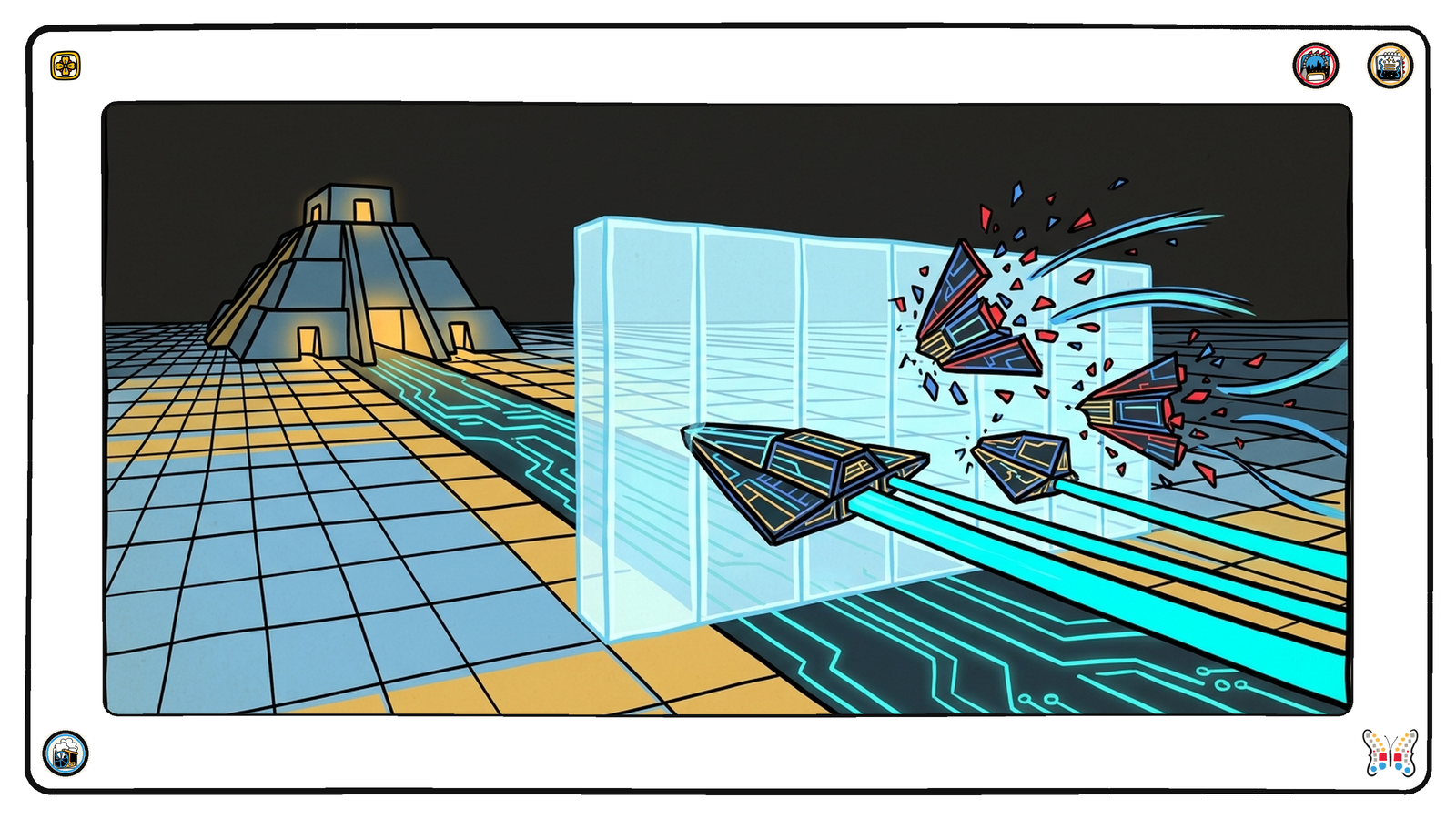
I profiled two APIs this morning that are doing something I have now seen enough times to call it a pattern. Both are good APIs. Both are built by people who care. And both are refusing, at the door, the exact audience they built the thing for.
Here is what it looks like. Two requests, same URL, made in the same second. The only difference is the user-agent string.
GET /documentation
  with a default client user-agent  ->  403   4,572 bytes  "Attention Required"
  with an ordinary Chrome user-agent ->  200  24,154 bytes  of real documentation
That is it. That is the whole bug. The documentation is there, it is good, and it is served to anything that claims to be a browser. Anything that honestly identifies itself as a script, an SDK, a crawler, or an agent gets a challenge page instead.
Nobody chose this. That is what makes it interesting. Somebody turned on bot protection because scrapers were hammering the site, which is a real problem with a real cost, and the setting did exactly what it says on the tin. The part nobody mentions is that “bot” now includes the customer you are trying to attract.
You cannot see it, because you are holding it wrong
The reason this survives is that every way you would normally check makes it look fine.
You open the docs in a browser — fine. Your colleague opens them — fine. You send the link to a customer and they open it — fine. Your uptime monitor, if you have one pointed at the docs at all, is probably configured with a browser user-agent because that is what the default template uses. Everything green.
The only clients that see the failure are the ones that never complain. An agent does not file a support ticket. An SDK does not tweet at you. A crawler does not email to say your documentation 403’d, so you fell out of the index. They just leave, and you get a slightly smaller number at the end of the quarter with no explanation attached to it.
The part that actually bothers me
The blocking is the obvious cost. The second cost is worse and almost nobody sees it.
A 403 hides what you publish.
When I profiled those two APIs I could not tell whether either of them served an llms.txt. Not because I could not find it — because every path on the host returned the same challenge page. /llms.txt returned 403. /openapi.json returned 403. A path I made up returned 403. From outside, a site that blocks you and a site that has nothing look identical.
I only found out by retrying with a browser user-agent. Both then returned an honest 404. Neither publishes an llms.txt, and both are aimed squarely at automated consumers.
Think about what that means. Any assessment of what you publish — mine, a customer’s, a procurement checklist, a model deciding whether it can work with you — reads your absence and your protection as the same thing. You do not get credit for what you have, and you do not get told about what you are missing, because the person who would have told you could not see either.
That is the failure mode worth internalizing. Bot protection does not just block a reader. It makes you unmeasurable, and unmeasurable defaults to absent.
What to do about it
The fix is small and it is not “turn off bot protection.” Scrapers are real.
Carve out the paths that exist to be read by machines. Your /docs or /documentation. Your /.well-known/*. Your OpenAPI, your apis.json, your llms.txt if you have one. These are the files whose entire purpose is to be fetched by something that is not a person, and there is no scraping threat model where blocking your own published contract is the win.
If you are on Cloudflare specifically: a WAF custom rule that skips the managed challenge for those paths. If what you have enabled is Bot Fight Mode, know that it applies site-wide and cannot be scoped by path — the usual answer is to turn it off and replace it with a targeted rule.
Then go and check. Not in a browser. From a terminal, with whatever user-agent your tooling sends by default:
curl -sS -o /dev/null -w '%{http_code}\n' https://yourdomain.com/docs
curl -sS -o /dev/null -w '%{http_code}\n' https://yourdomain.com/llms.txt
curl -sS -o /dev/null -w '%{http_code}\n' https://yourdomain.com/openapi.json
curl -sS -o /dev/null -w '%{http_code}\n' https://yourdomain.com/zzz-not-a-real-path
That last line is the one people skip and the one that tells you the most. If a path you invented returns 200, your site says yes to everything and none of the other answers mean anything. If it returns 403, you are not looking at your site — you are looking at your bouncer.
Two minutes, four commands, from outside the building. It is the cheapest look at yourself you will ever take, and it is the only one your customers’ machines are actually taking.

