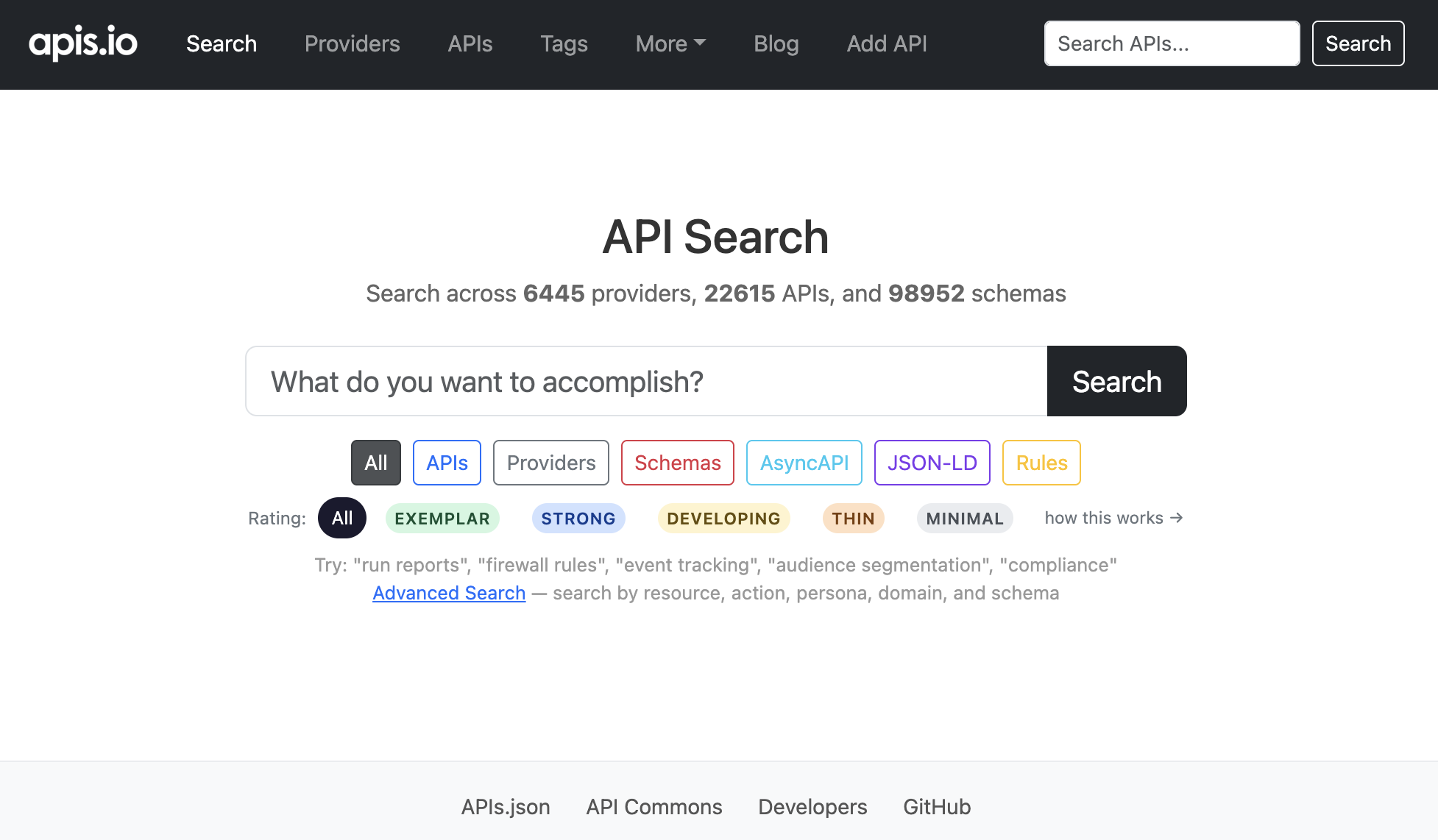
Most teams already run their day inside Slack, but a surprising amount of the work in there is still done by hand. Somebody creates the channel for the new project, somebody invites the right people, somebody posts the kickoff note, somebody remembers to set a reminder, and somebody archives the channel when it is over. Every one of those steps can be done by software instead, because Slack offers an API, which is a way for your other systems, or an AI assistant working for you, to do those things without anyone clicking through the app. Everything I have catalogued about it sits on its APIs.io profile.
What Slack does
Slack describes itself as a cloud-based team collaboration platform that provides chat, file sharing, and integrations with other tools and services. The developer side lives at slack.dev, and it is a lot bigger than posting a message. I have it catalogued as 32 APIs, covering everything from listening for events as they happen to provisioning user accounts and reading audit logs for security teams.
A few of the pieces worth knowing about by name:
- The Slack Events API sends your software a notification when something happens in Slack, so you do not have to keep asking.
- The Slack Incoming Webhooks API is the simplest way to drop a message into a channel from another system.
- The Slack SCIM API lets teams on paid plans create and remove user accounts and groups automatically. SCIM is a common standard for keeping user lists in sync between systems.
- The Slack Audit Logs API gives security tools a read-only view of what is happening across a large organization.
What you can get done
Realtime Messaging
If you want a bot or an internal tool to see messages, edits, reactions and presence changes the moment they happen, rather than checking every few minutes, this is the capability. It opens a live connection, a WebSocket, which stays open and streams events to your software as they occur.
GET /rtm.connectstarts a Real Time Messaging session and hands back the address your software connects to for the live stream.
That is the one operation our capability mapping has pinned down so far. Most of what a business actually wants from Slack shows up more clearly in the workflows below, which string together operations from the wider set of APIs.
Workflows that put it together
A workflow is a recipe: several API calls run in a set order, with the output of one feeding the next. I have 22 of them catalogued for Slack, written in the Arazzo format so software can follow them. Here are the ones that map most directly to everyday chores:
- Create Channel, Invite Members, and Announce creates a new channel, invites a set of users, and posts a kickoff message. This is the whole “new project” ritual in one go.
- Find User by Email and Direct Message Them looks up a person by email address, opens a direct message, and sends it. Handy when your other system knows an email but not a Slack name.
- Look Up a User and Invite Them to a Channel resolves a user by email, adds them to a channel and welcomes them, which is most of an onboarding step.
- Add a Reminder and Confirm It creates a reminder for someone and reads it back to make sure it landed.
- Create a User Group and Assign Members sets up a group you can mention all at once and confirms who is in it.
- Add a Channel Bookmark and Announce It pins a link to a channel and posts a note about it.
- Audit Channels and Post a Summary lists the channels in a workspace and posts a summary, a quick way to see what has sprawled.
- Announce and Archive a Channel posts a final notice and then archives the channel when the work is done.
Ask for it in plain language
We also publish conversational phrasing overlays for Slack, 41 of them, which attach plain-language questions to the operations so an AI assistant knows which call answers which question. These are the kinds of questions our overlay maps to the live messaging operation:
- What starts a Real Time Messaging websocket session for my bot?
- Can the RTM session only send presence events for users I subscribe to?
You can browse one of them, the Slack Administrative Api Phrasing Overlay, to see how questions line up against the administrative operations.
Getting started
Slack is freemium with self-serve signup, and it runs as a hosted service, so your software calls their endpoints and you do not install anything. On cost, Slack lists a Free plan at $0 USD free forever, and the rest of the plans are on the Slack pricing section of its profile.
The documentation I would start with:
And on APIs.io, the Slack profile, the Slack Administrative API, the Slack Applications API and the Slack App Manifest API, which lets you create and configure a Slack app from a file instead of by hand.
If there is one Slack chore your team repeats every week, pick the workflow above that matches it and hand it to whoever builds your internal tools, or to your AI assistant, as the recipe.